What It Takes to Run WebRTC Identity Verification in High-Security Environments
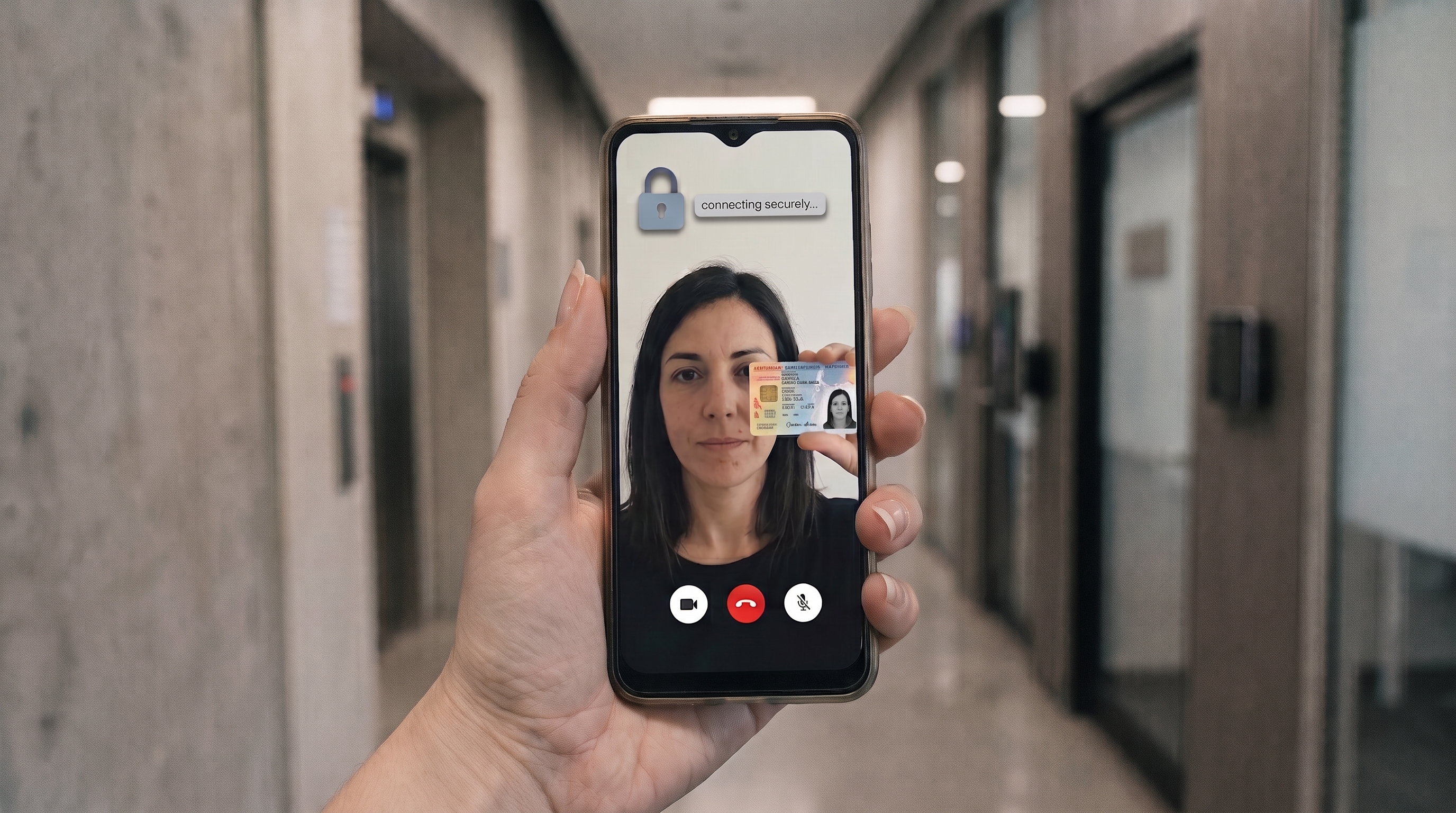
A proof-of-life check has one job: produce a single applicant's recorded video that a compliance process can later review as evidence that a real, present, living person completed onboarding. Building that as a production feature of Inetum Digital Onboarding, running inside a strict, security-locked network, meant designing around a few constraints a typical video-calling product never has to face.
One-sided by design
Once the call's only job is producing evidence, a few decisions stop being surprising. The video is the evidence being captured, so a session that came up without it wasn't degraded, it was useless, and worth ending rather than continuing. Audio was never required at all — worth a mention mostly because it's the reverse of how most WebRTC products treat the two, though it's a minor detail next to everything else this requirement changed.
Running inside someone else's network
Identity verification like this often has to run inside environments with strict security requirements — banking, age verification, or anywhere else that handles sensitive personal data — and a security team in that position doesn't hand out exceptions easily. OpenVidu's default deployment assumes a reasonably open network path between client and server; running inside restrictions this strict meant configuring it instead for the smallest exposure surface it could get away with, trimming anything the security review didn't strictly need to approve.
Designing for the device you don't control
Staff at an organization like this use whatever hardware IT hands them. The people being verified use whatever they own, which turned out to mean a genuinely wide spread of devices, operating system versions, and network conditions, including slow connections and mobile software that had fallen well behind current. There's no onboarding product that gets to assume a modern phone on a good connection, so both the client application and the video pipeline itself had to be optimized aggressively, with "assume the worst plausible device" as the actual design baseline rather than an edge case to patch in later.
A basic check against the obvious fake
A recorded one-sided video call invites one obvious attack: show the camera a prerecorded video instead of a live feed. We added checks aimed at catching that — the kind of thing that looks for the tells of a video being fed directly into the WebRTC pipeline rather than captured from a real camera in real time. These checks are basic, not airtight, and we were upfront with the client about that; they reviewed the approach and accepted it as the right level of rigor for this stage of the product, rather than holding out for a perfect answer that doesn't really exist yet.
Where this could go next
None of what follows shipped in this project, but it's worth naming for anyone building something similar today. A visual captcha — asking the applicant to perform a short, randomized sequence of hand movements the system can check for — would raise the bar on proof-of-life itself, since a static or looped video can't follow an instruction it doesn't know in advance. Embedding identifying data directly into the recorded video, a UUID, a timestamp, a logo, burned into the frame rather than stored only as metadata, would make the evidence harder to swap or splice after the fact. And for products that need a human in the loop rather than relying purely on automated checks, there's a real precedent for adding a silent, non-participating observer to a session; we cover how that works, and why it needs more auditing around it rather than less, in a separate post.