Live RTSP cameras integration in web services for public administrations
Probably the first thing you will consider when integrating IP cameras with WebRTC applications is the codec compatibility between endpoints.
That is why the WebRTC specification is very clear: any WebRTC implementation must be compatible with both VP8 and H264. This means that visualizing most IP cameras shouldn't present any problem, as most of them implement the H264 protocol…
However, not all is as simple as that. Despite the theory being that you may connect an RTSP camera with a browser, there are many things to take into account that make it a bit more complicated. You may find a very good explanation here: https://www.kurento.org/blog/kurento-webrtc-gateway-ip-cameras
In addition to what is explained in that post, you may always find other problems, for example related to the actual support of the H264 codec.
Context
Renacen's project consists of a web platform that provides access to more than a thousand IP security cameras. These cameras are geolocated and linked to a geolocated alarm system. The type, model and properties of these cameras are very diverse, and their network capabilities can also be very different. Most of the cameras are the property of the final customer, but there are also many other cameras that belong to third parties and just allow Renacen's customer to access their media flows.
The project uses OpenVidu to deliver the camera flows to users. Though OpenVidu, Kurento and most browsers offer built-in H264 compatibility, there were a significant number of video flows that couldn't be played properly. As a result, there were some cameras that didn't display on the web platform, or that displayed with errors, due to subtle — or not so subtle — elements which prevent the flow through Kurento (and other media servers). For example: the media container, the codec, bandwidth, or even the H264 codec itself.
The project
Due to the wide variety of camera types and codecs, the use of OpenVidu PRO was the perfect choice, because it is capable of managing media flow multiplexing and transcoding — to a point — with a simple integration in the predesigned software, through its simple but powerful API.
However, those media flows with errors, or that can't be played, need something else. This part of the project was divided into 3 steps:
- Media flow analysis.
- Tailored solution development.
- Deployment, integration, testing and customisation of the developed solution.
Step 1
Objective: Obtain all the information from a wide range of video flows, covering all working and non-working cases.
With this intensive analysis of real media flows from the actual platform, we detected that most of the errors were produced by an incompatibility of codecs. More specifically, by specific variables of the codec (encapsulation, level, profile, etc.). You can consult technical details here.
Step 2
Objectives:
- Play all the cameras — especially those that couldn't be played previously.
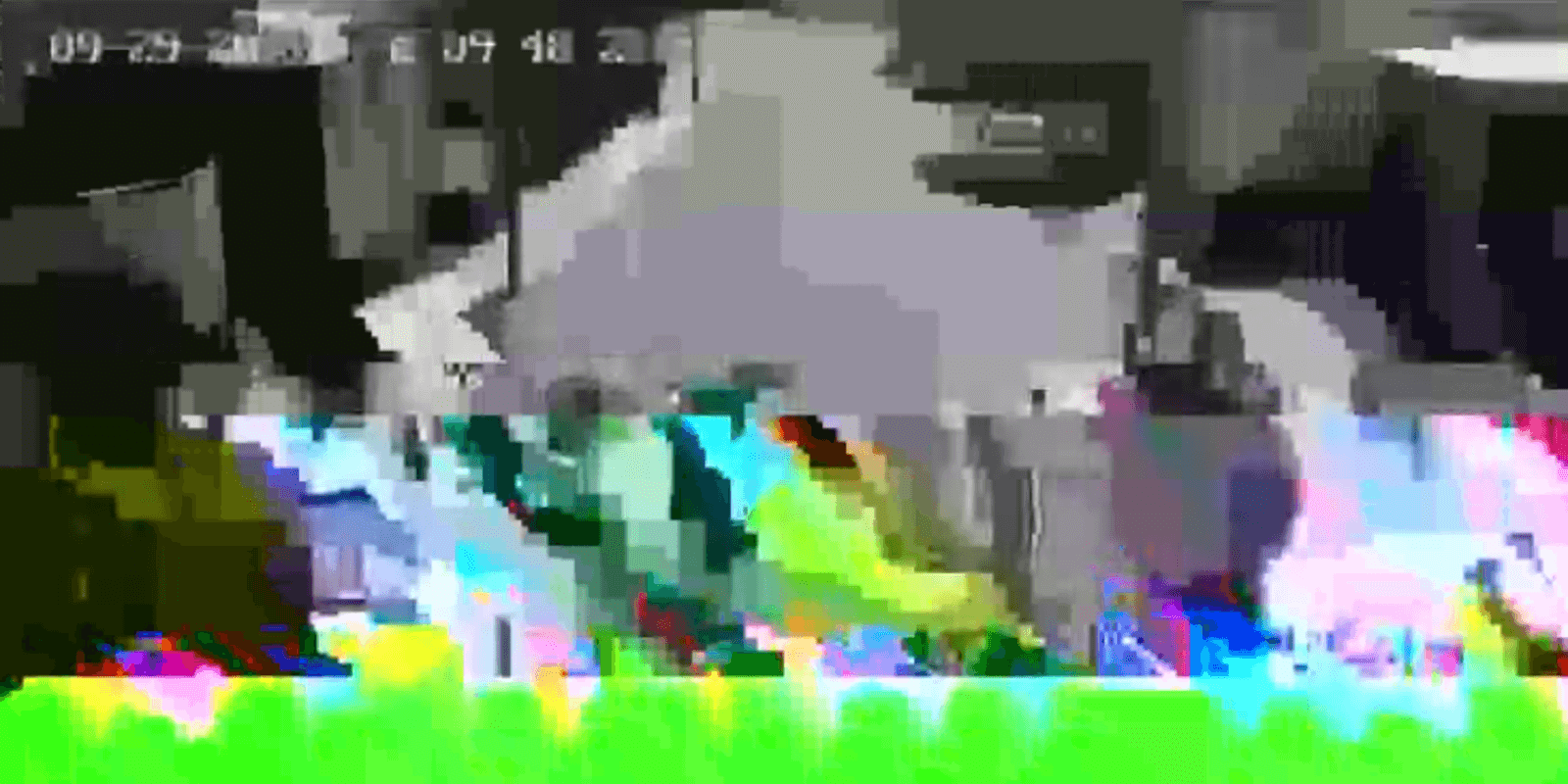
- Improve the video quality of those cameras that were displayed with errors (pixelation, green frames, grey zones).
- DO NOT apply changes or transformations to the videos that were displayed properly, saving as much CPU as possible for those flows.
In order to reach these objectives it is necessary to think of 2 main functionalities:
- A media flow "discriminator" for those flows that need some transformation.
- Applying the specific transformations — transcoding, re-encapsulation, etc. — ONLY to the incorrect flows (not playing, or playing with errors).
The "Media Flow Discriminator" is in charge of obtaining the actual data from the video flow and comparing it with previous "knowledge" to know (i) if any transformation is necessary and (ii) if so, what that transformation should be. Additionally, this component allows "hard-coding" what the behaviour should be when a specific media flow is checked, independent of what the discriminator's logic dictates.
The "Transformation" component receives the original flow and the transformation, and its output consists of a new, previously transformed media flow. It is basically a proxy for the original media flow.
Step 3
Objectives:
- Deploy the solution and validate it under the expected load.
- Validate the integration with Renacen's platform.
- Create the behavioural rules for each media flow parameter, for the discriminator to select the most appropriate action.
Our role
Our role in this project has been as media specialists:
- Finding the main characteristics of the videos that didn't play or played with errors, and finding the most adequate transformation.
- Studying the available technologies and tools to apply transformations to the media flows.
- Developing a scalable system, with minimum CPU impact and minimum integration cost, that allows automatically identifying whether a flow should be transformed or the original flow will play without errors.
- Setting up a real-time transformation component ONLY for flows that are predicted not to play, or to play with errors.
- Supporting Renacen in the design of a general architecture and the development of the solution using OpenVidu PRO.
Technologies
All media delivery is subject to many parameters and variables — network quality, codecs, containers, video resolution, fps, etc. When talking about thousands of cameras, we're talking about at least hundreds of possible combinations. Being able to automate and predict the behaviour of a specific video based on these parameters and properties is therefore of paramount importance to manage a full-scale, real-time video surveillance web platform.
Conclusion and lessons learnt
This project made us give our best, putting to use all our knowledge of media delivery and transcoding internals. We had to analyse tens of videos to find the most relevant parameters that would make a video play correctly, not play, or play with errors. Furthermore, we had to apply this knowledge to develop a custom solution that could apply the appropriate transformation to each media flow. In conclusion, this proved to involve many hours of trial-and-error and many tests of different parameters to find the best visualisation for the videos.
In a project like this, with such a tight schedule, the key factor has been finding open source technologies that allowed us to move forward fast while also guaranteeing we could audit the code of such components.
Teaming up with such an expert company in innovative developments as Renacen has been a pleasure — their knowledge of a broad range of technologies and their great architecture for the platform made the integration very easy. Working hand in hand with their development team also made things easy for us.